Neko Lo-fi Night
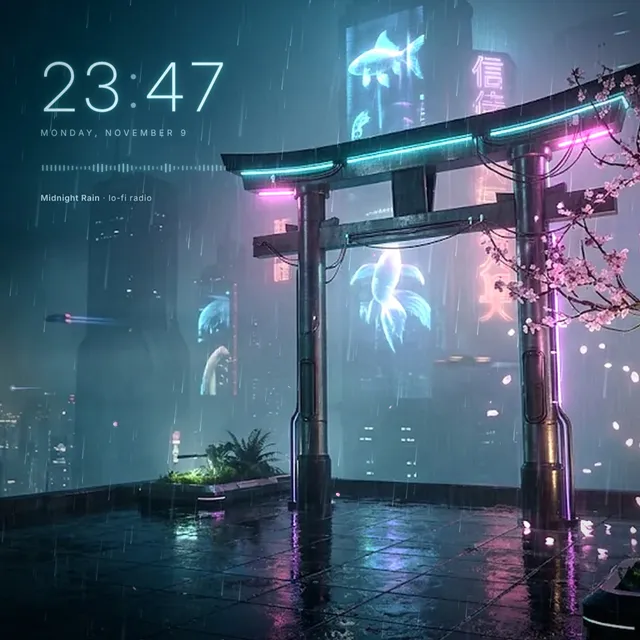
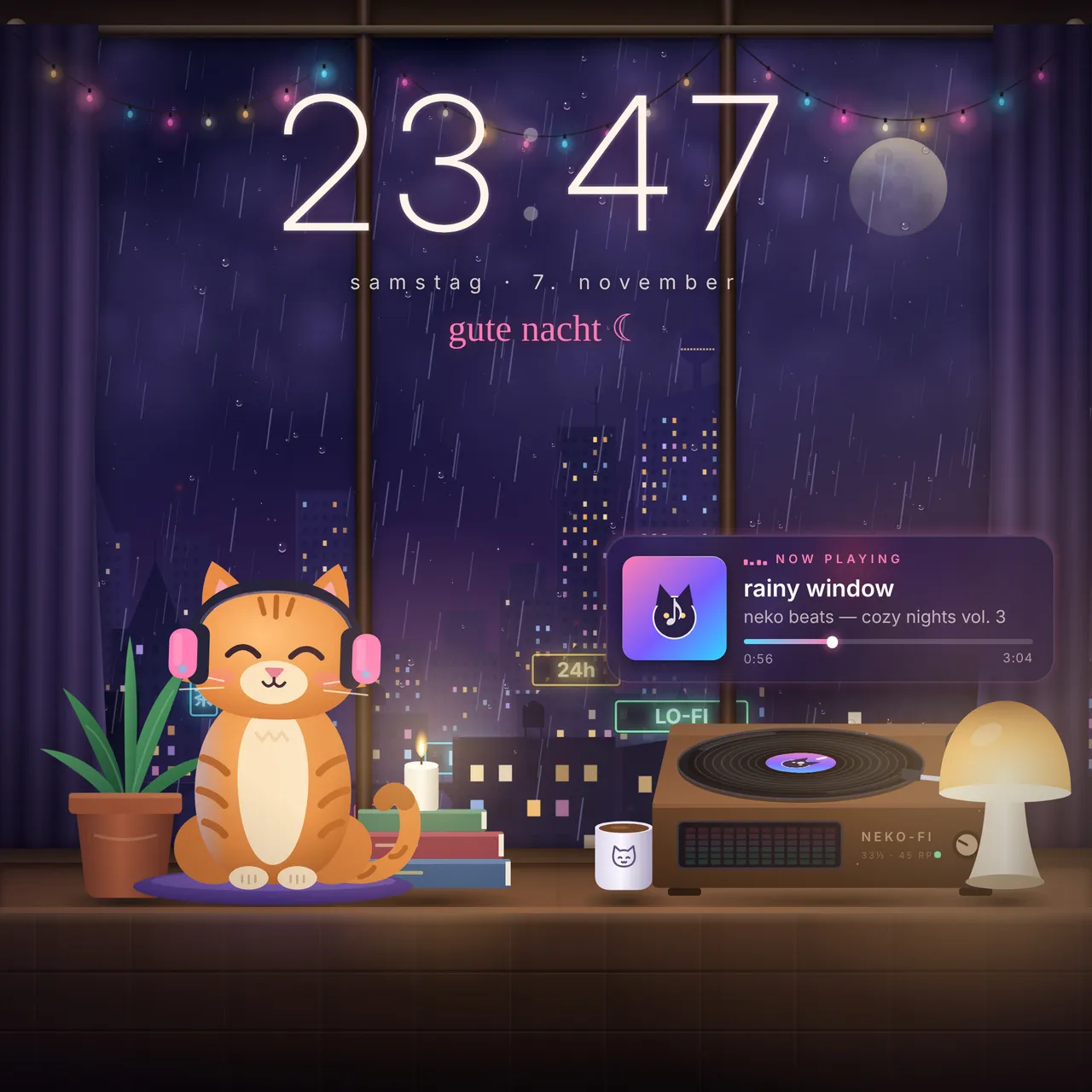
[h1]Neko Lo-fi Night[/h1]A cozy rainy night by the window: a ginger cat with headphones vibes to [b]your[/b] music – with clock, date and a Spotify "now…
Properties
- Zeitformat
- Sekunden anzeigen
- Begrüßung anzeigen
- Dein Name
- Spotify / Now Playing anzeigen
- Farben vom Albumcover übernehmen
- Lichterkette (Audio-Visualizer)
- Regenstärke
- Tropfen am Fenster
- Gewitter (Blitze, auch bei Drops)
- Parallax mit der Maus
- Himmel folgt echter Tageszeit
- Größe Uhr & Karte (%)
How to install
- Download the ZIP and extract it.
- Move the extracted folder to
Steam\steamapps\common\wallpaper_engine\projects\myprojects. - Restart Wallpaper Engine. The wallpaper shows up under Installed.
- Select it and adjust colors, texts and effects in the properties panel on the right.